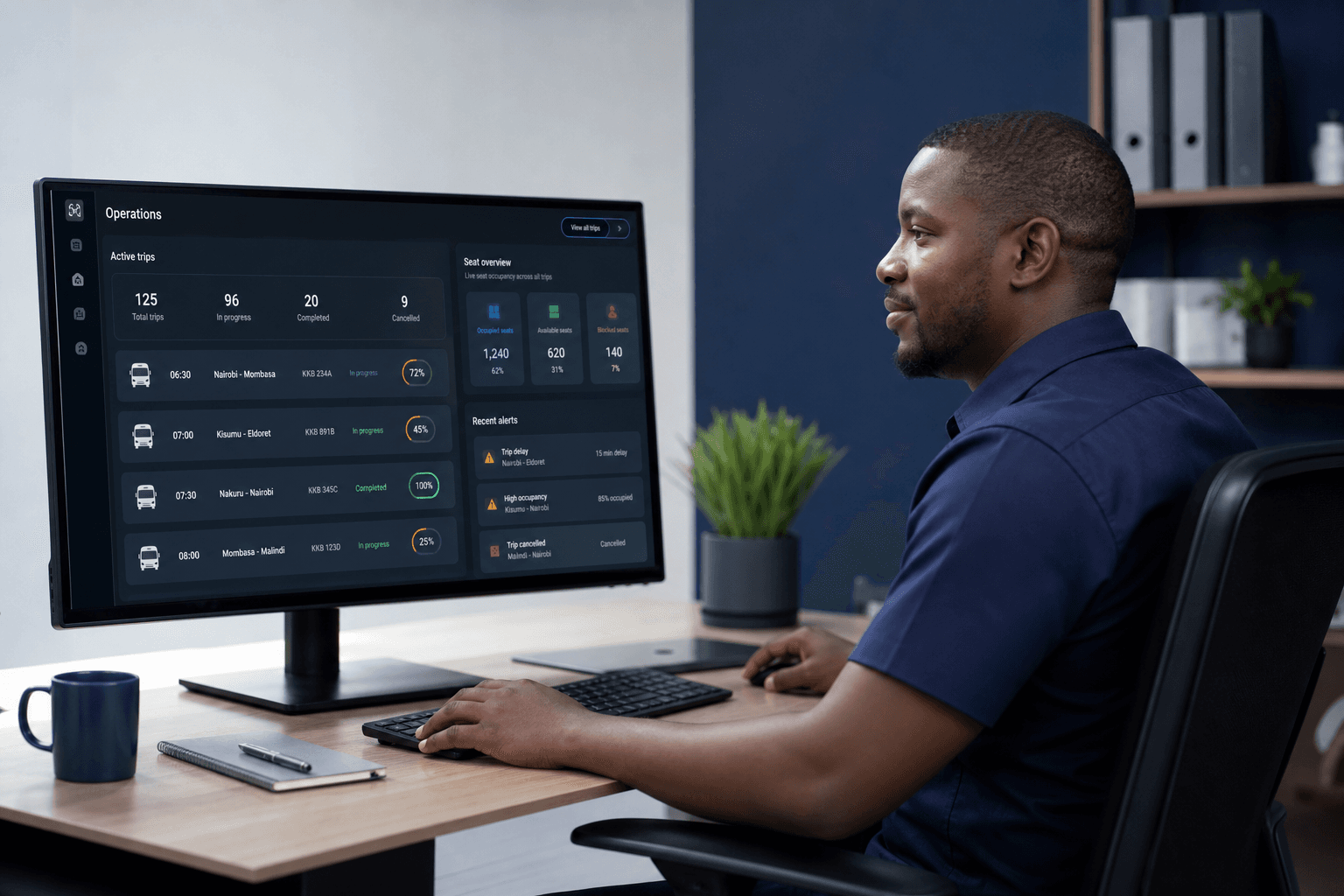
Passengers, parcels & staff — one ops layer

Thunderbolt Ticketing

Seats, parcels, and the people who run the corridor — desk and portal, together.

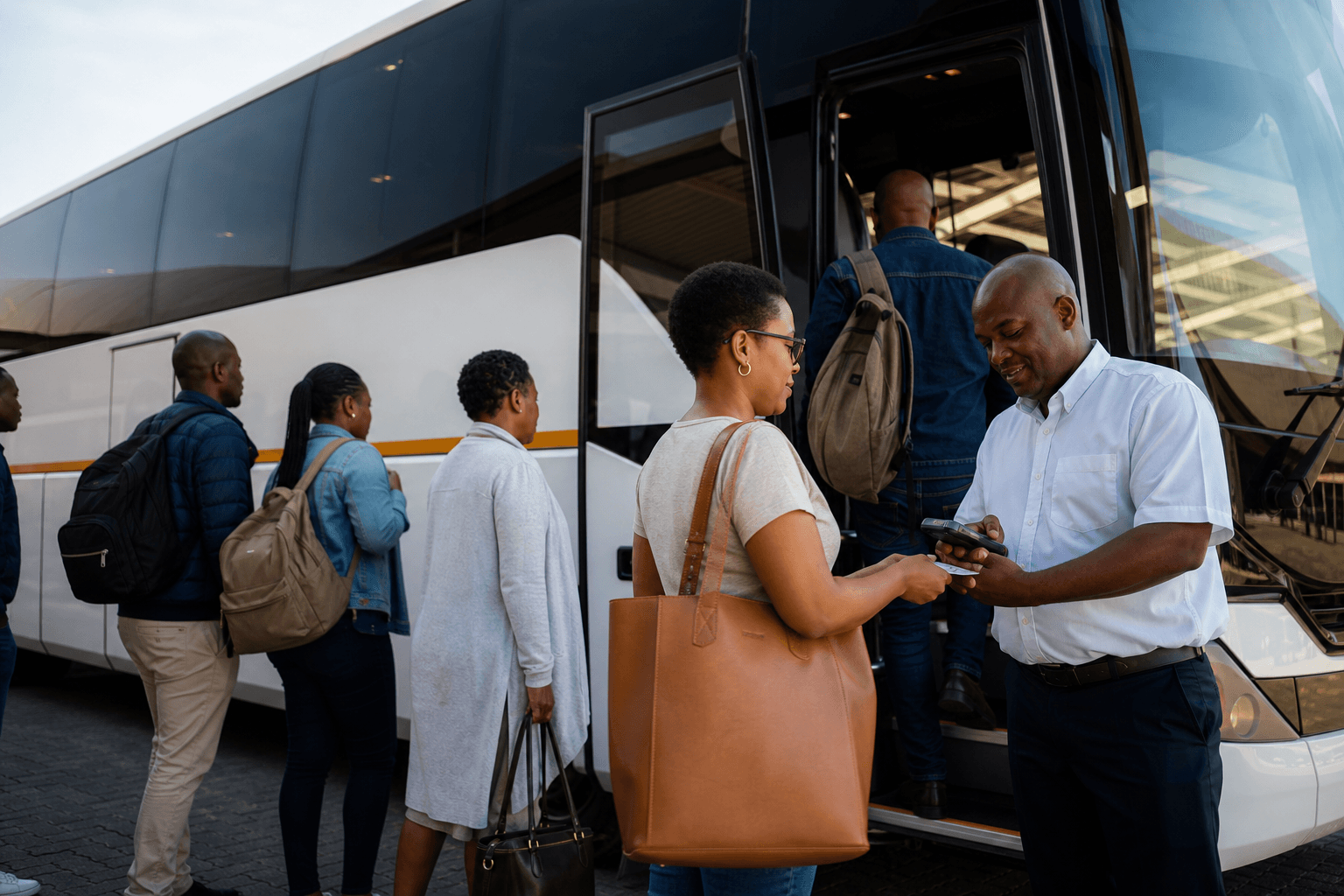
Bus boarding with conductor ticketing

Ticketing is Thunderbolt Systems for bus and transport operators. Staff run trips, seats, parcels, and revenue from one desk. Customers track a ticket or a parcel without calling the office. Conductors issue on a POS when you add boarding hardware — after the desk is right.

What it is

Desk and portal.
Parcels on the same trip.

These buses do more than seats. Ticketing holds passengers, parcels, and staff roles in one system — the TrueView pattern, shaped for routes.

Staff desk

01

Staff desk

Booking office, managers, and accounts see trips, occupancy, ticket and parcel revenue, and who is on duty — roles that match how the corridor actually runs.

  • Trips, seats, and departures
  • Staff roles and branch views
  • Revenue and expenses in one place
Customer portal

02

Customer portal

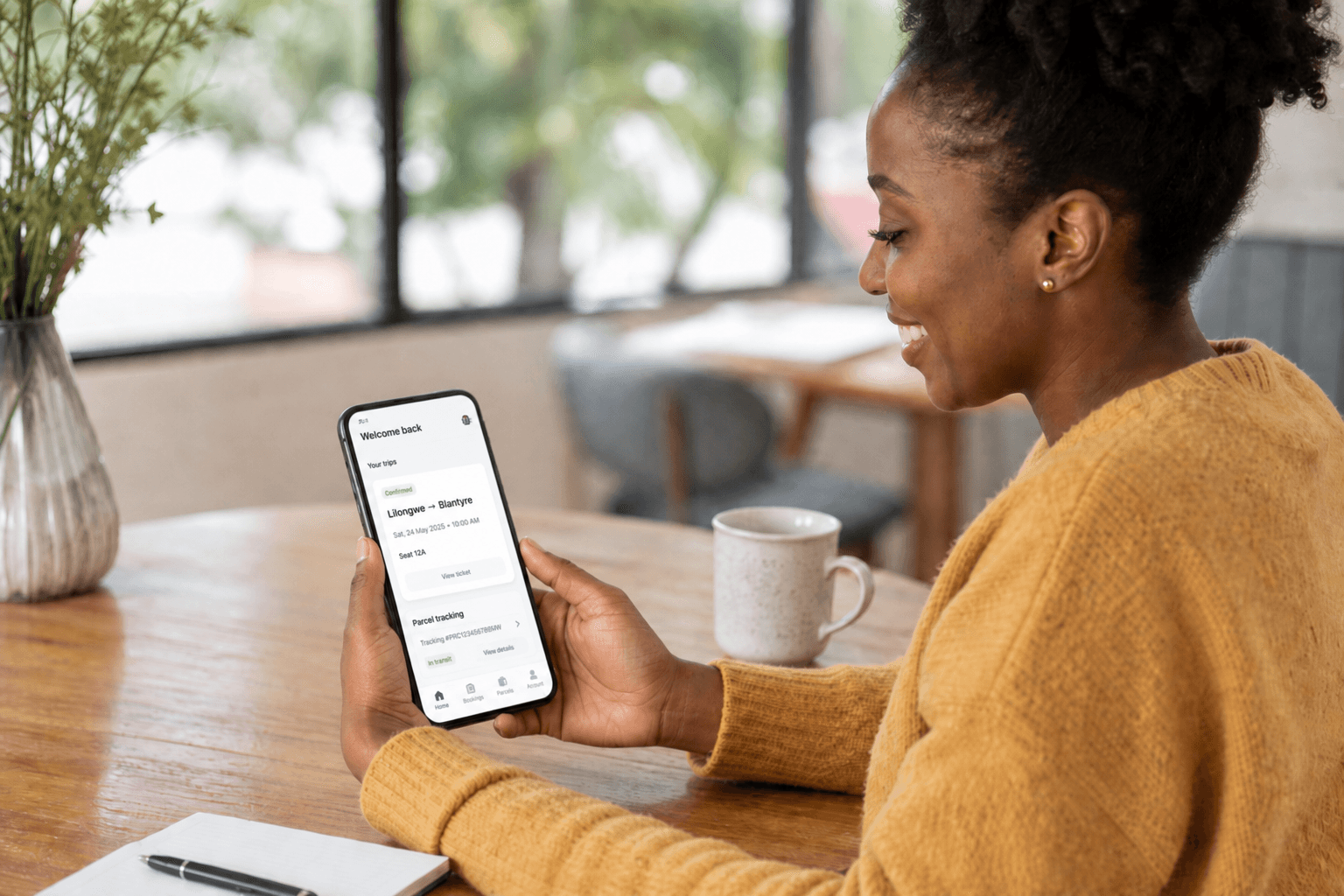
Passengers and senders log in for status — ticket, seat, and parcel tracking — so “where is my bag / when do we leave?” stops living only in WhatsApp.

  • Ticket and trip status
  • Parcel tracking for senders
  • Same story staff already see
Parcels on the bus

03

Parcels on the bus

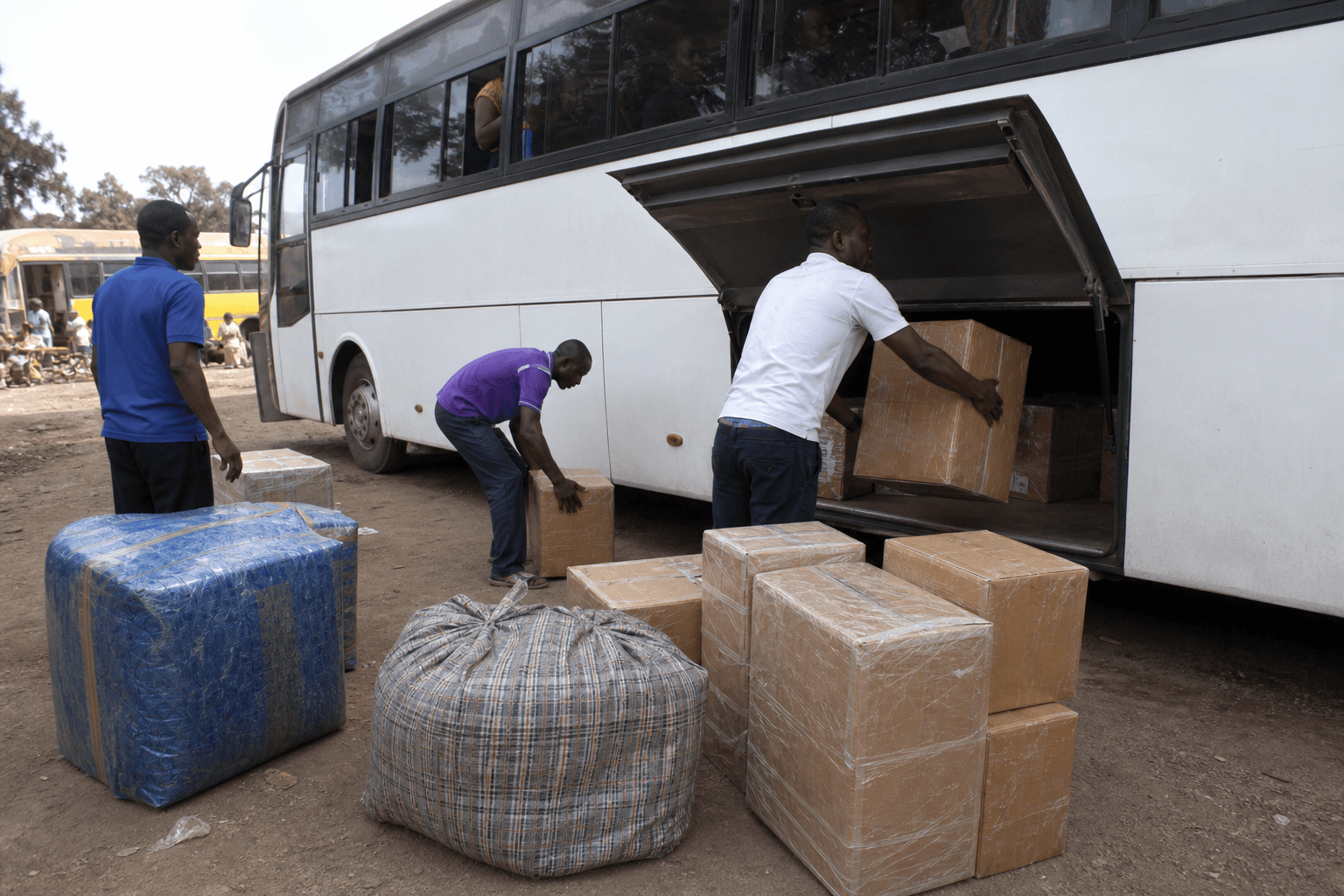
Corridor operators move freight with the passengers. Record parcels against trips, weigh and price them, and give customers a track link — not a separate spreadsheet.

  • Parcel intake with the trip
  • Weight, fee, and handoff
  • Live status for the sender
Conductor POS

04

Conductor POS

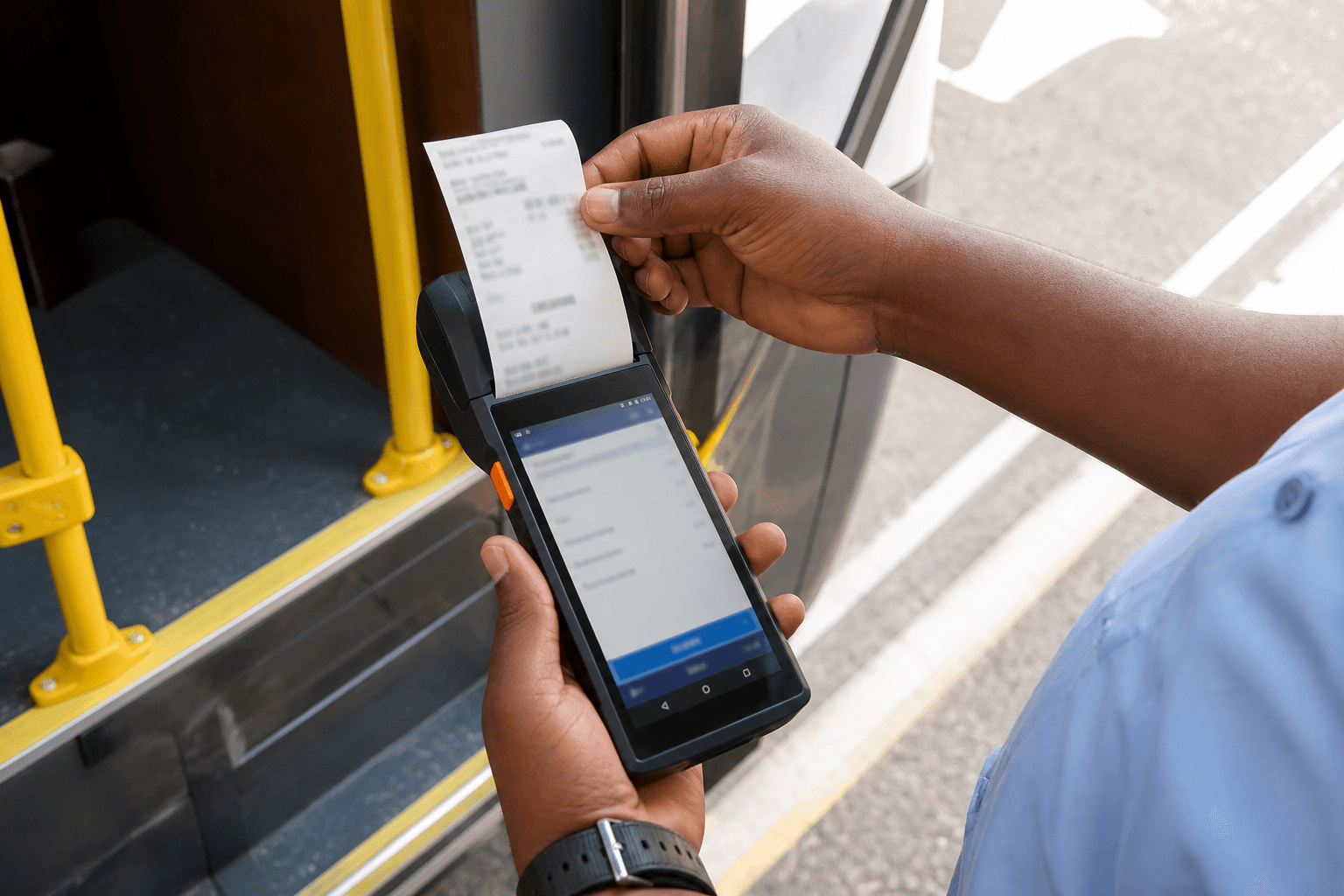
Issue at boarding: passenger, seat, luggage or parcel by kg, payment recorded, print when the device supports it. Offline sync when the corridor has no signal.

  • Onboard ticket issue
  • Luggage and parcel by kilogram
  • Scoped when you need hardware

How it works

Routes, parcels, and people — then devices.

01

Map how you run

Routes, seats, fares, parcel rates, branches, and who logs in — staff and roles first.

02

Desk and portal go live

Staff run the operation. Customers track tickets and parcels. Walk the live demo to feel the desk.

03

Add POS if needed

Conductor devices for boarding — after the desk and portal are right.

See the desk

Ticketing live demo — clickable sample

Walk trips, seats, tickets, and revenue before any POS commitment. Sample data uses a fictional operator so you can click through a real desk shape. Parcel portal and full staff tools shape with your scope.